
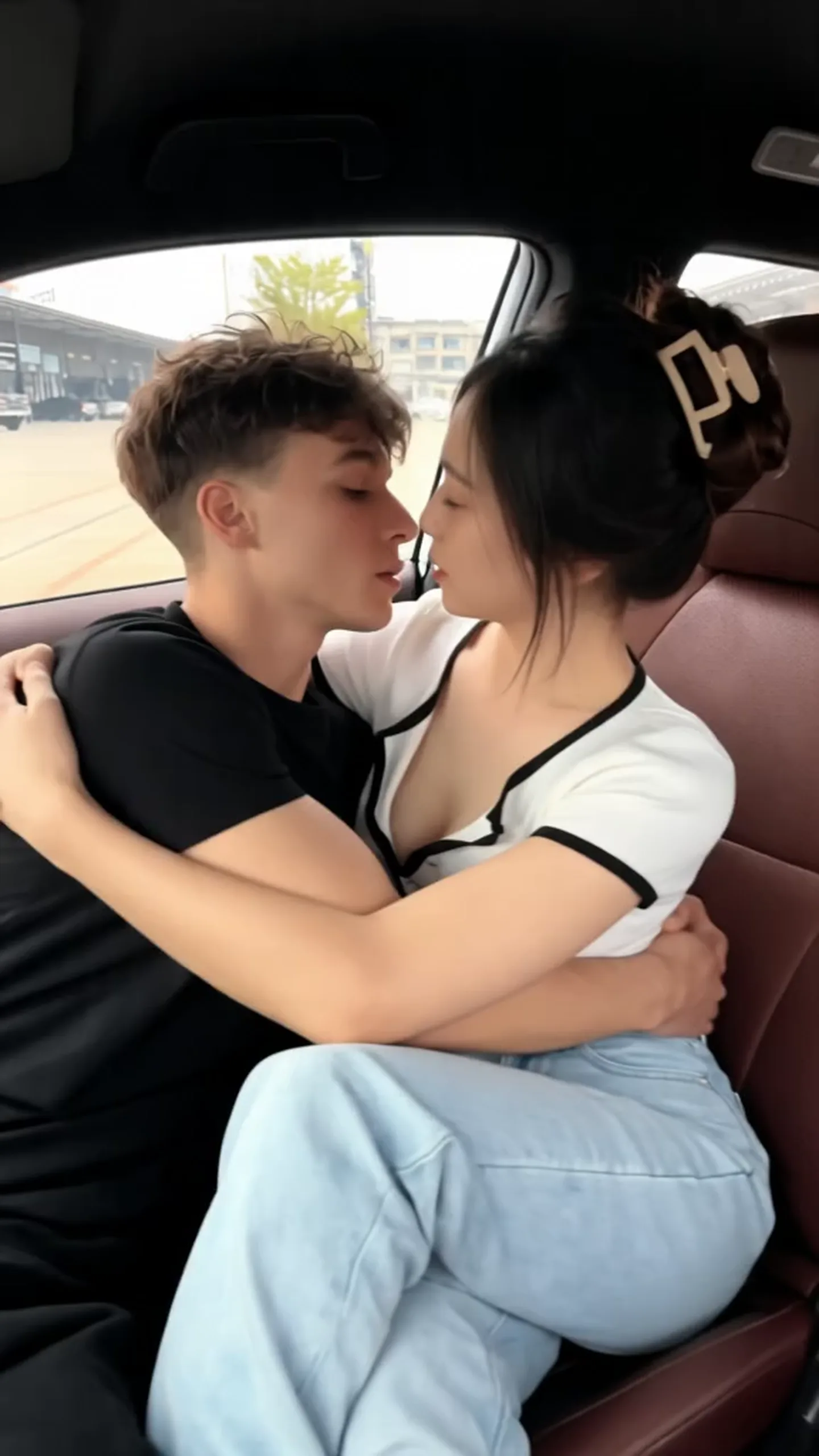
01 / A kiss at home
Make the everyday cinematic.
Natural light, a gentle embrace and a brief kiss. Give an everyday couple photo the warmth of a keepsake.
Give the moment a little direction.AI KISS · A MOMENT, CONTINUED
Turn a couple photo into a gentle kiss in motion. Find a scene you love, then start with a clear photo and a simple description of the movement.
AI-generated examples. Results vary with the photo, model and settings.
01 / Scene inspiration
Three moments, three moods. Play the existing clips and find a direction that feels like you.
Natural light, a gentle embrace and a brief kiss. Give an everyday couple photo the warmth of a keepsake.
Give the moment a little direction.A close-up of the feeling of heading somewhere together. A direction for travel memories and everyday moments: gentle movement, a steady background.
Give the moment a little direction.Warm light and small movements give an intimate moment a quiet rhythm. A direction for private keepsakes and anniversary stories.
Give the moment a little direction.AI-generated examples. Results vary with the photo, model and settings.
02 / AI KISS
These are suggested scene prompts, not the original prompts used for the example videos. Adapt them to your photo.
03 / How it works
Use a photo of two adults who have both agreed to this kind of creation. Clear, unobstructed faces and people close together make the movement easier to describe.
Start with a brief kiss or a slow approach. Open the image-to-video workspace, upload the photo, and paste and adapt your scene prompt.
Choose an available model, aspect ratio and duration, and check the credit cost before submitting. Review faces, lips, hands and motion before saving or sharing.
A LITTLE MORE NATURAL
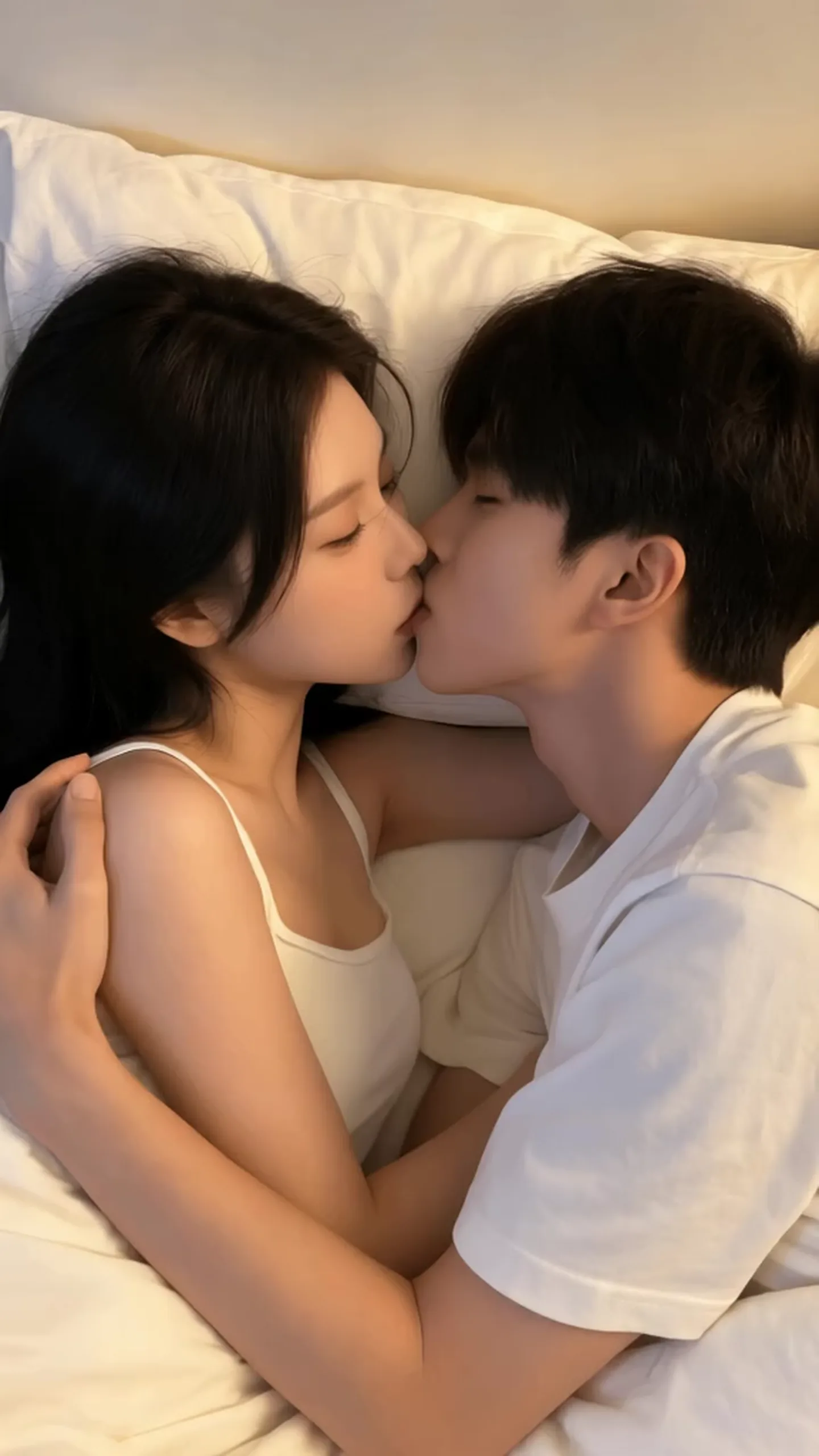 AI KISS
Begin with one action. If faces distort or overlap, reduce the movement and remove camera rotations or repeated turns.
This page describes image-to-video from an existing couple photo. Check the workspace for support for combining two individual portraits.
Use authorized photos of adults who explicitly agree to this intimate depiction. Do not use strangers, public figures or minors. Confirm consent again before sharing.
04 / FAQ
An AI Kiss video uses AI to show people in a photo kissing or moving closer. It is generated content, not evidence that the moment happened.
We recommend starting with one clear couple photo. The number of reference images supported depends on the model and current workspace settings.
This page offers playable scene examples and prompts to copy. Creation buttons open the general workspace; they do not automatically load these videos or a dedicated template.
Available free credits depend on your account benefits. The model, duration and aspect ratio may affect the cost. Check the credits shown before generating.
Try a clearer couple photo with unobstructed faces, smaller head movements and a fixed camera. AI can alter identity, lips or hands, so review every result.
YOUR NEXT FRAME, TOGETHER.
Bring a couple photo and a small idea. Make the next frame yours.
Create my AI KissExplore app download options