Prepare a product reference
- Take a straight-on photo in even light. Make sure the product outline, finish and packaging text are readable. For a close-up, use a second photo that shows the detail clearly.
- Upload the relevant reference and tell Images 2.6 what to change. If you select an area in the editor, compare the pixels around that selection too. Keep the original and make every treatment from the same source when you want a clean comparison.
- Decide the placement first. Use a neutral composition for a catalog, leave space for copy in a banner, and use a close crop to show one real detail.
Three product photo prompts
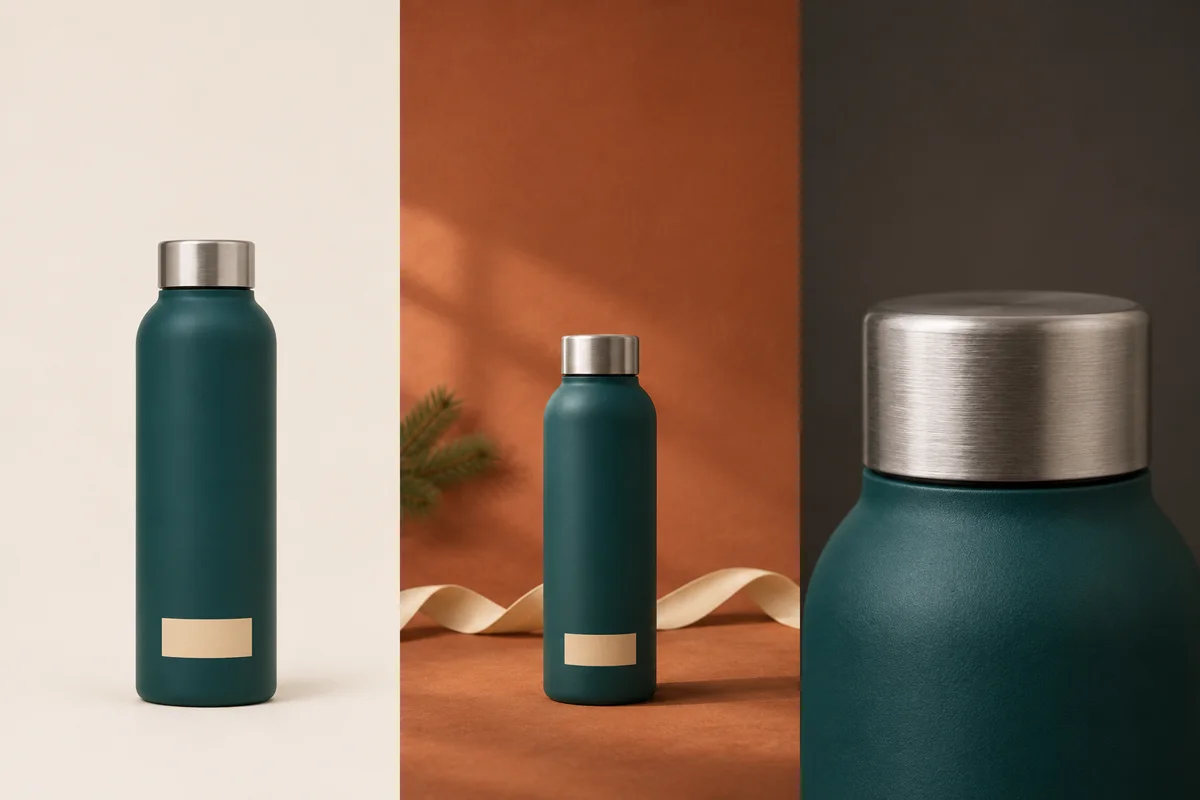
Clean catalog image
Use this when the item should be easy to recognize in a small product grid.
Zoom out to thumbnail size, then zoom in on the cap and label. Check that the full outline is visible and that the text still matches the original.
Holiday gift banner
Use this for a seasonal secondary image that needs room for an offer or headline.
Crop a preview to the intended banner shape. Confirm the ribbon stays behind the product and the empty area is large enough for the real copy. Add the offer afterwards in your design editor.
Cap or packaging detail
Use this when a close-up helps the buyer see a material or construction detail.
Check the seam and finish against the close-up source. If a design detail was hidden in the original, take a clearer photo of that spot before publishing.
Check the image against the real item
- Outline and hardware
- Compare the cap, seams and proportions with the reference. Keep the original product layer when a regenerated edge changes its shape.
- Color and packaging
- Set the real photo beside the result under neutral lighting. Check model names, printed quantities and logos character by character. Use approved label artwork if an edit changes the words.
- Thumbnail and final layout
- Review a small preview for silhouette and a full-resolution copy for details. Check each marketplace’s current image requirements before uploading.
Use an approved frame for a short clip
Choose one image whose details match the product. To turn it into a short clip, leave extra space around the item and begin with a small movement, such as a reflection crossing the surface.