How it works
- Choose a clear couple photo
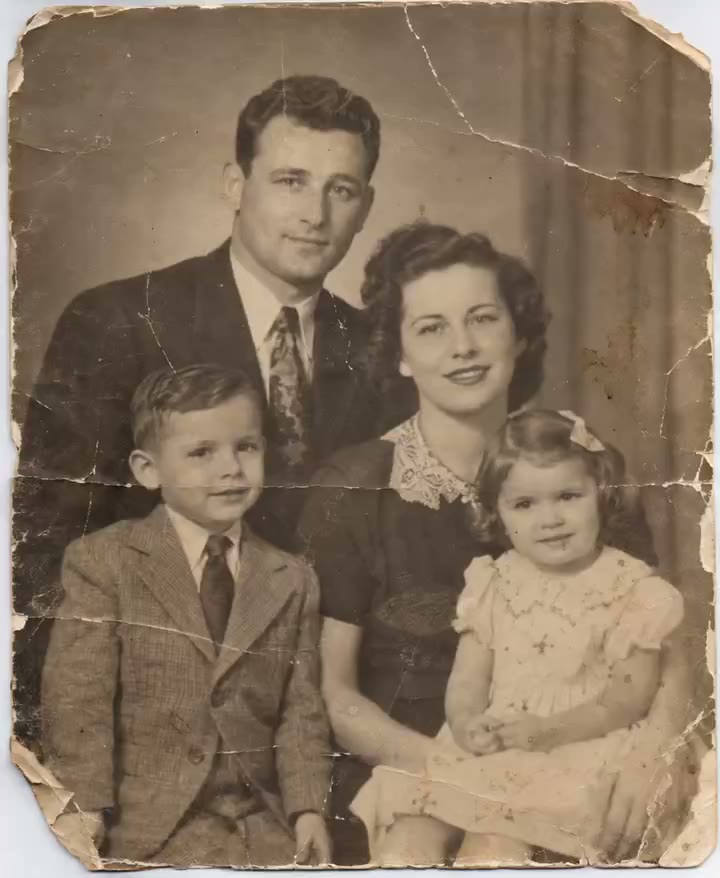
Use a photo of two adults who have both agreed to this kind of creation. Clear, unobstructed faces and people close together make the movement easier to describe.
- Describe one gentle movement
Start with a brief kiss or a slow approach. Open the image-to-video workspace, upload the photo, and paste and adapt your scene prompt.
- Generate, then take a closer look
Choose an available model, aspect ratio and duration, and check the credit cost before submitting. Review faces, lips, hands and motion before saving or sharing.
Use authorized photos of adults who explicitly agree to this intimate depiction. Do not use strangers, public figures or minors. Confirm consent again before sharing.
AI Kiss scene prompt to copy
These are suggested scene prompts, not the original prompts used for the example videos. Adapt them to your photo.
Adapt this prompt to the image you want to use.Upload a photo and try it
Watch the examples ↗What to change when the result looks wrong
- Faces change before the kiss
- Return to the same photo and simplify the prompt to a slight lean toward each other. Keep the camera fixed so you can tell whether the movement caused the change.
- Lips or noses merge at contact
- Shorten the contact and reduce the head turn. If it still looks wrong, choose a slight three-quarter angle with both faces visible, or end the shot just before contact.
- A face is cropped in vertical video
- Check the crop before generating. Start with more space around both heads, keep the camera still and check the last frame before adding text.
Adjust one item from the checks, then compare.Try another version in the workspace
Questions
How many photos do I need?
We recommend starting with one clear couple photo. The number of reference images supported depends on the model and current workspace settings.
Can I apply these videos as templates?
Use the scene videos for reference and copy any prompt you want to try. The creation button opens Image to Video, where you can upload your own couple photo and paste the prompt.
Is AI Kiss free?
Available free credits depend on your account benefits. The model, duration and aspect ratio may affect the cost. Check the credits shown before generating.
How can I check for a watermark?
Review the exported file before sharing. Check the export screen and current account terms for watermark information.