Before you start
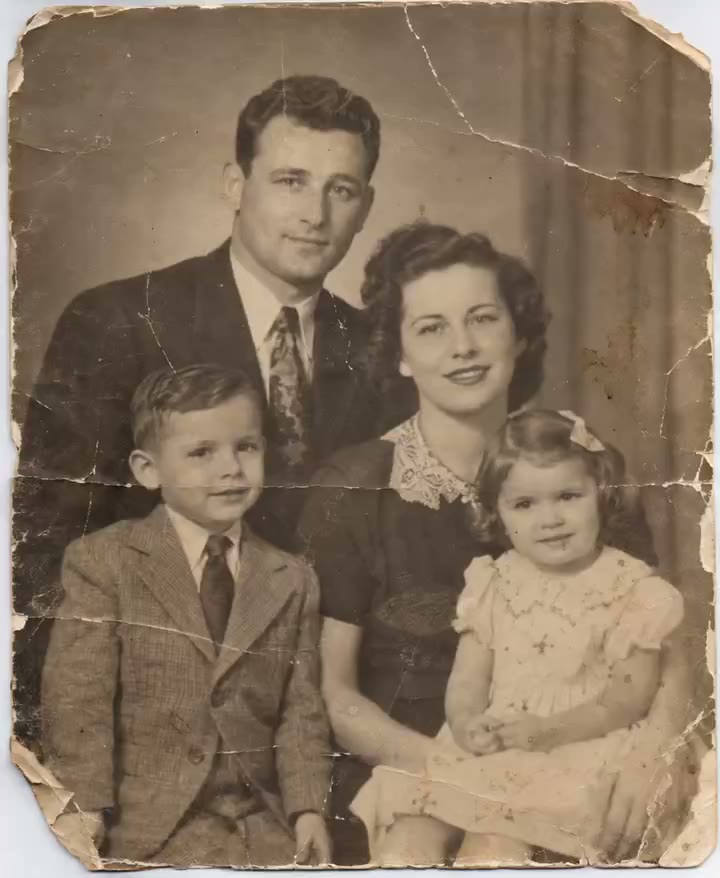
- The source photo and the full generated clip
- The prompt, model and settings from that attempt
- A note of when the face first becomes unacceptable
Worked example: turn an idea into a shot plan
These are adaptable creative plans, not verified results from these prompts. Narrow the task first, then compare the output with your source.
 Shot plan
- Choose the source
- Use a clear single-person photo as the comparison reference, with eyes and jaw unobscured.
- Change one thing
- Remove turns, walking and large camera moves; start with a slight expression.
- What to keep steady
- Identity cues, eye placement and face edges. A prompt does not lock identity.
Keep the face exactly unchanged while turning, smiling and orbiting the camera.
Without an observable action or clear constraints, it is hard to judge whether the output meets the goal.A more specific starting prompt
Adapt this prompt to the image you want to use.Upload a photo and try itCheck App availability
How to assess this version
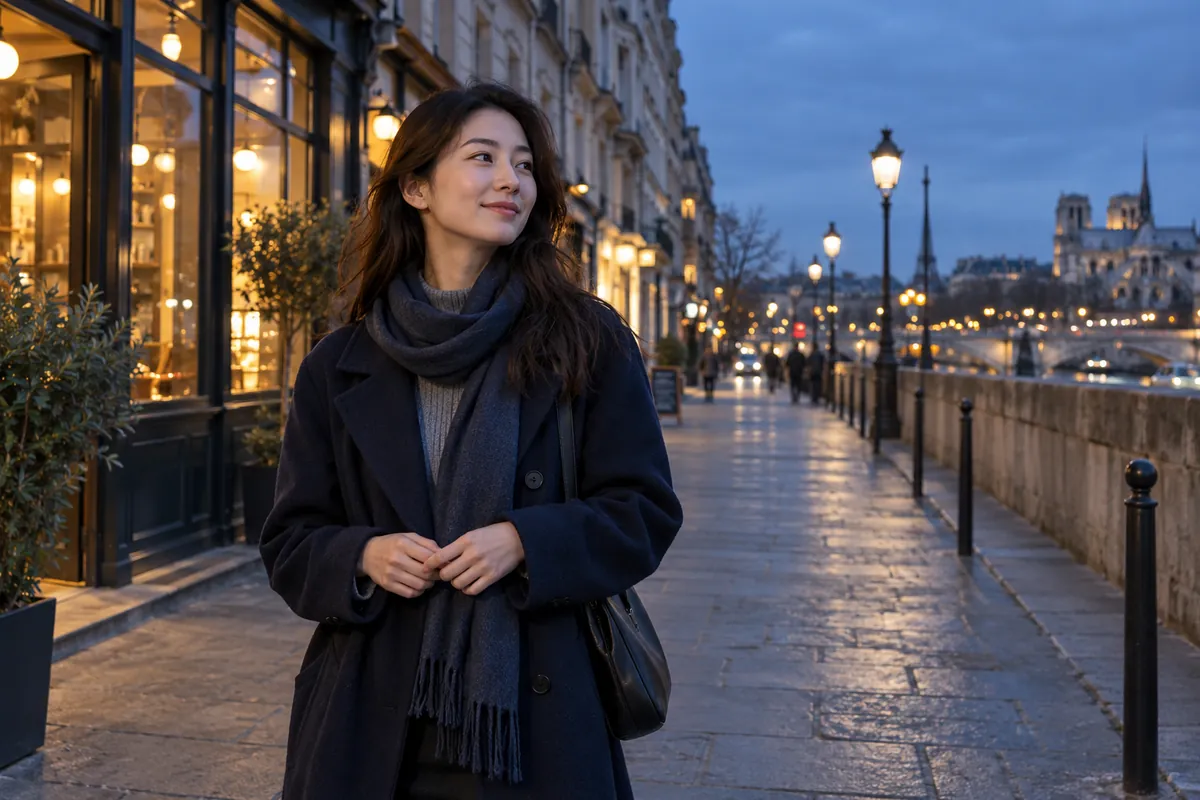
Pause at the start, middle and end to inspect eye spacing, mouth corners, jaw and occlusion edges. These are samples; full playback is still needed to inspect continuity.
What to change on the next attempt
If the smile changes the mouth, remove it and test a still subject with a fixed camera. If instability remains, change only the source to a clearer, less obstructed photo.
Adjust one item from the checks, then compare.Try another version in the workspaceCheck App availability
Expand: keep a reusable iteration log
Download the blank log and add the model, framing and observations. Change one variable at a time so you can trace a difference. This template is not a completed test.
01Locate the first visible problem
| When it appears | What to check | A useful next change |
|---|---|---|
| Already in the source | Blur, tiny faces or covered features | Use a clearer photo with the face visible |
| As the person moves | Large head turns, occlusion or several actions | Request a smaller action with a fixed camera |
| Near the ending | A long or complex motion sequence | Simplify the action or try a shorter supported duration |
02Follow a one-variable retry sequence
1. Check the source at full size. If the face is blurred or partly missing, replace the photo and keep the other instructions simple. A longer description cannot recover details that were never visible.
2. With a usable source, remove walking, spinning and camera orbits. Ask for one small action. 3. Keep the frame and other settings unchanged where possible. 4. Save the next result beside the first and compare the same time points. Record a failed revision as well as a better one.
03Rewrite motion rather than adding promises
Instead of ‘turn around, smile and walk towards the camera’, try the narrower wording below. It is a prompt-writing example, not a before-and-after result or a tested identity lock.
A smaller portrait movement
04Check two-person scenes and the final frame
In a two-person scene, examine each face separately and the area where heads or hands overlap. Begin with a photo where both faces are visible. Reduce the approach or contact movement if the outlines merge; adding more action can make the cause harder to assess.
Watch the entire clip, including the last second, then pause at the point of concern. A few sampled frames cannot prove that the intervening motion is clean. If the result remains unsuitable, change the source or stop using that version rather than presenting it as an accurate record of a person.
How to do it in LingFrame AI
Open the creation workspace, sign in and choose image-to-video. Upload your prepared photo.
Adapt the relevant prompt below to one main movement. Avoid changing the subject, background and camera together.
Choose the ratio, duration and quality available for the selected model. Review the credits before submitting.
Open the result in your creation history and watch the full clip against the checks below. Change one variable and save a record if you retry.
LingFrame AI
Put this guide to work on your own photo
Prepare your images and choose the matching tool in the workspace. Check the model, settings and credits before submitting.
On mobile, check App availability and download options first.
Before you keep the result
- Compare facial features and expression with the original, not with your memory
- Check both continuous motion and the same sampled moments
- Read the current credit quote before each retry; repeated generation is not a guaranteed fix
Frequently asked questions
Can I guarantee an unchanged face?
No. A clear source, small motion and fixed camera help narrow the task, but each result still needs comparison with the original.
Should I change the model first?
Check the source and motion first. Changing the model, photo and prompt together makes it harder to identify what helped.
Sources and method
The inspection method uses the source-versus-output distinction from the introductory guide. The pictured frame comes from the existing 5.04-second preview. No controlled face-preservation test or success-rate measurement is available for this article.
Prepared by the LingFrame AI content team. File observations, illustrations and suggested instructions are identified separately. Prompts express a goal, not a guarantee. Check the current workspace for available models, upload limits, settings and credits.